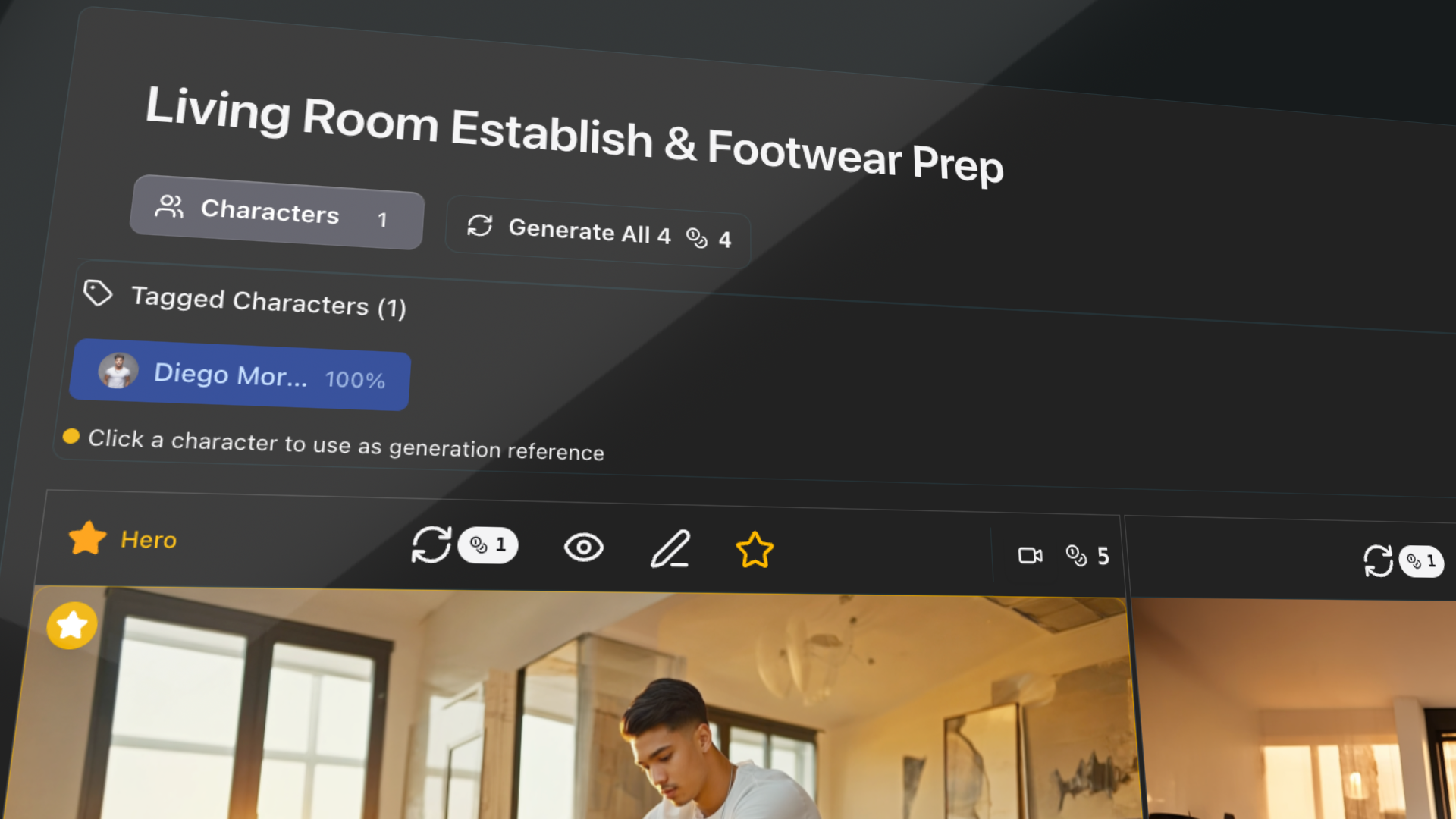
Describe your idea.
See your storyboard.storyboard.
Record a creative meeting, upload the transcript, and watch prePro.Studio turn your conversation into a visual storyboard - complete with screenplay, characters, and generated images.
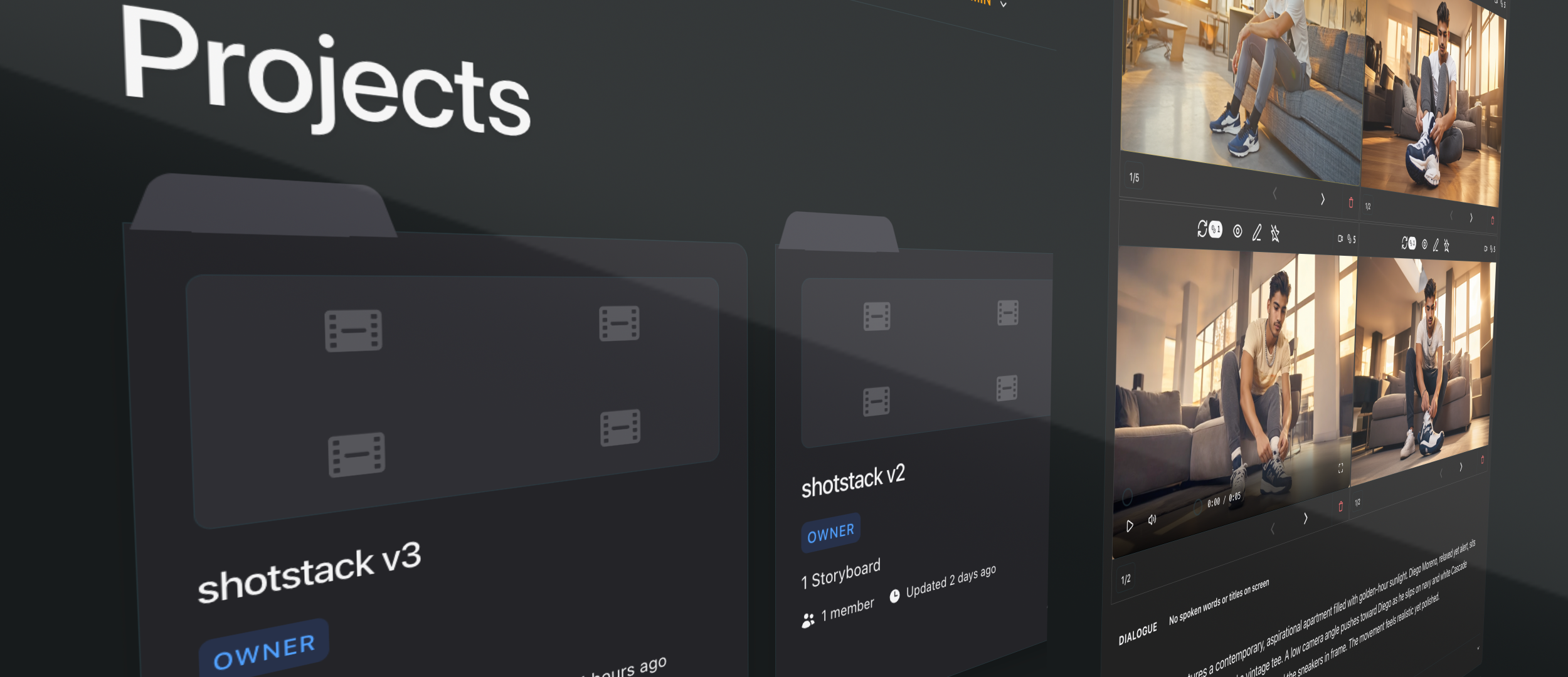
From conversation to storyboard
Step 1
Record your meeting
Talk through your commercial, music video, short film - any creative concept. Use any recording tool you prefer. The conversation is your script.
Step 2
Upload the transcript
Paste or upload the raw transcript. Side chat, tangents, anecdotes - all fine. prePro.Studio knows how to find your story in the conversation.
Step 3 — The magic happens
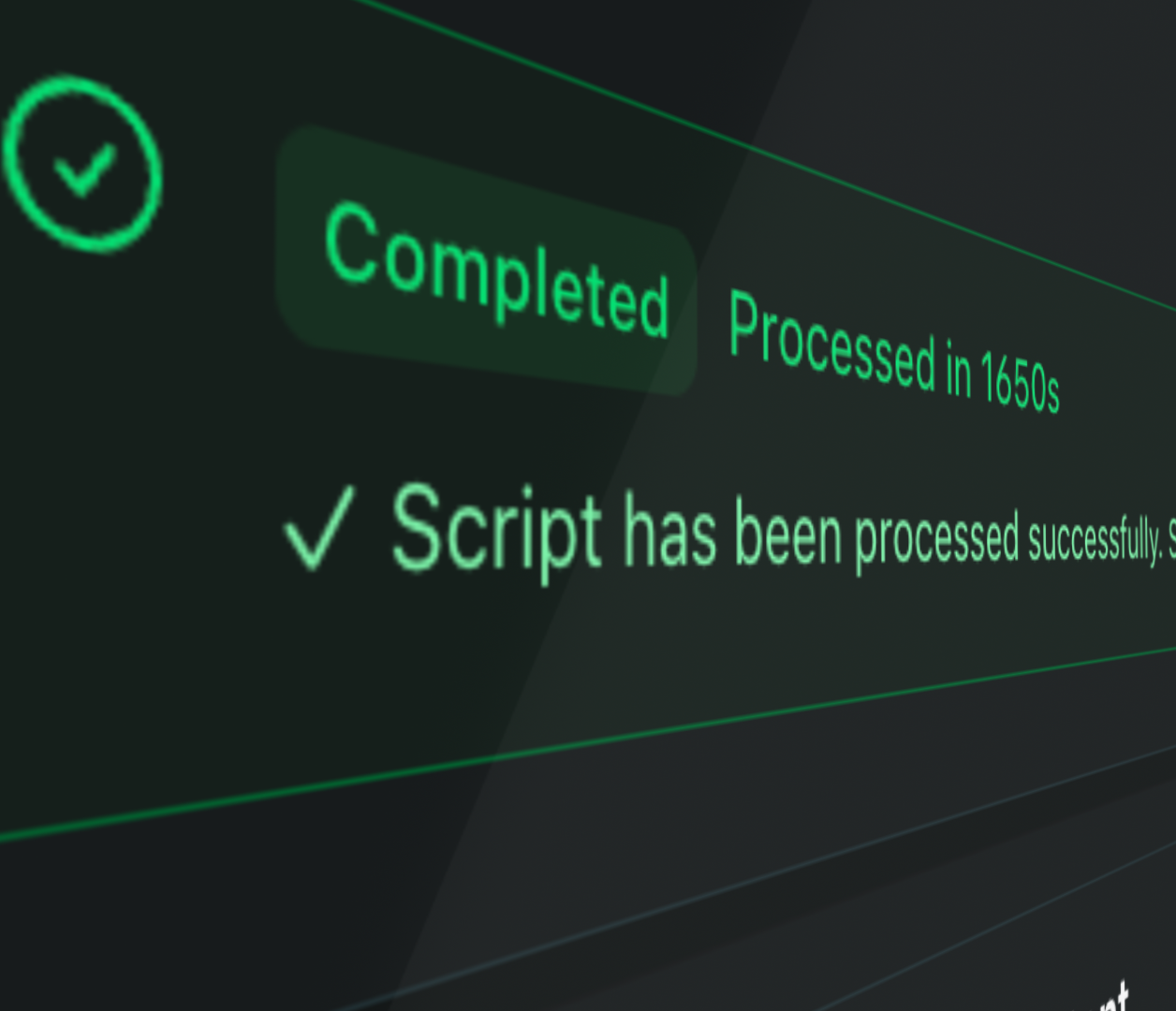
prePro.Studio processes everything
AI cleans the transcript, formats a screenplay, detects characters, and builds a complete shot list - work that takes hours done automatically.
Optimized prompts for every shot
For every shot in your storyboard, prePro.Studio automatically writes optimized prompts for both image and video generation. These aren't generic descriptions - they're crafted prompts that understand cinematic language, camera angles, lighting, and mood.
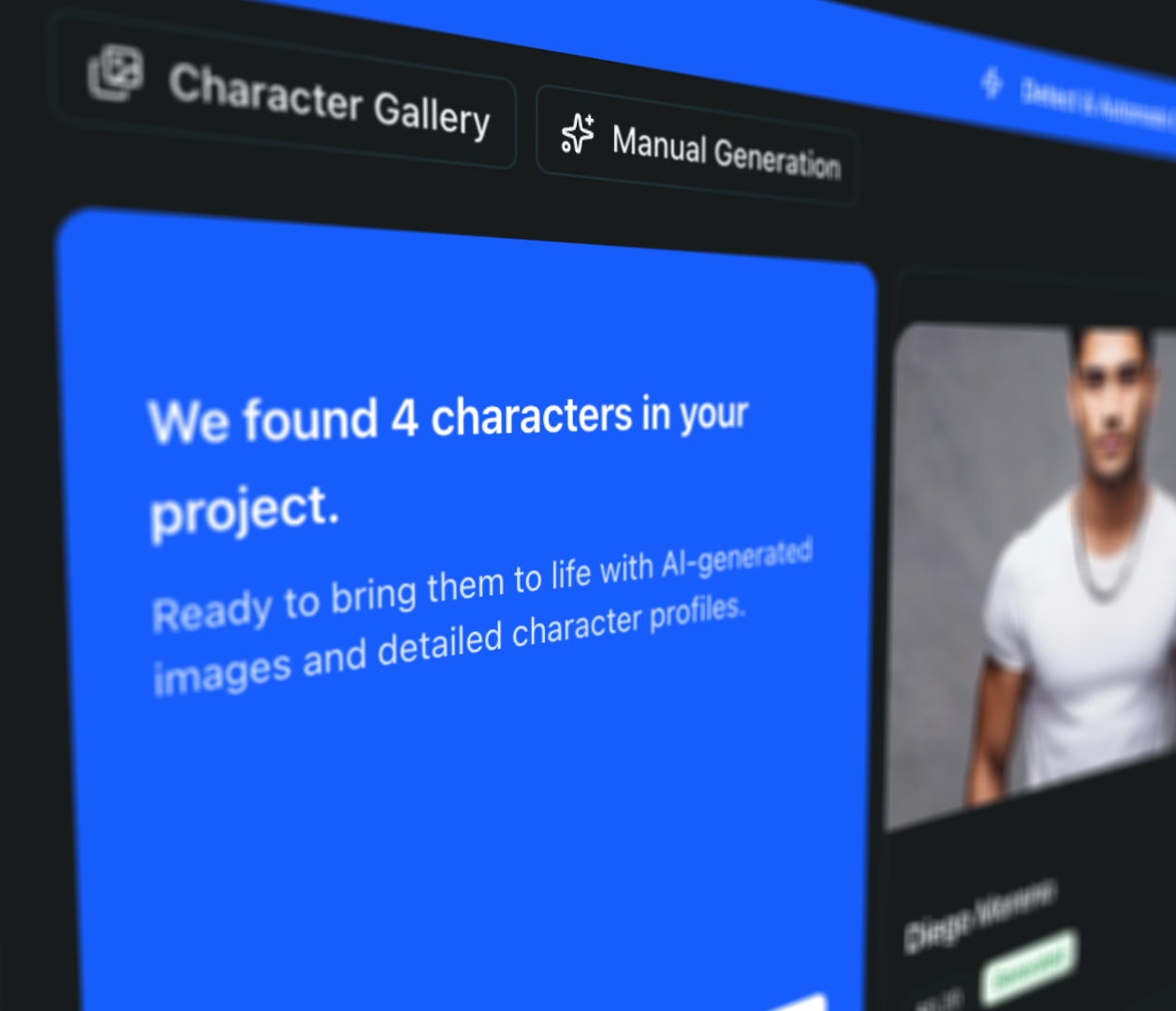
Characters are detected from your conversation and tracked across shots, ensuring visual consistency when you generate images.
What you get automatically
- Transcript cleaned
- Auto
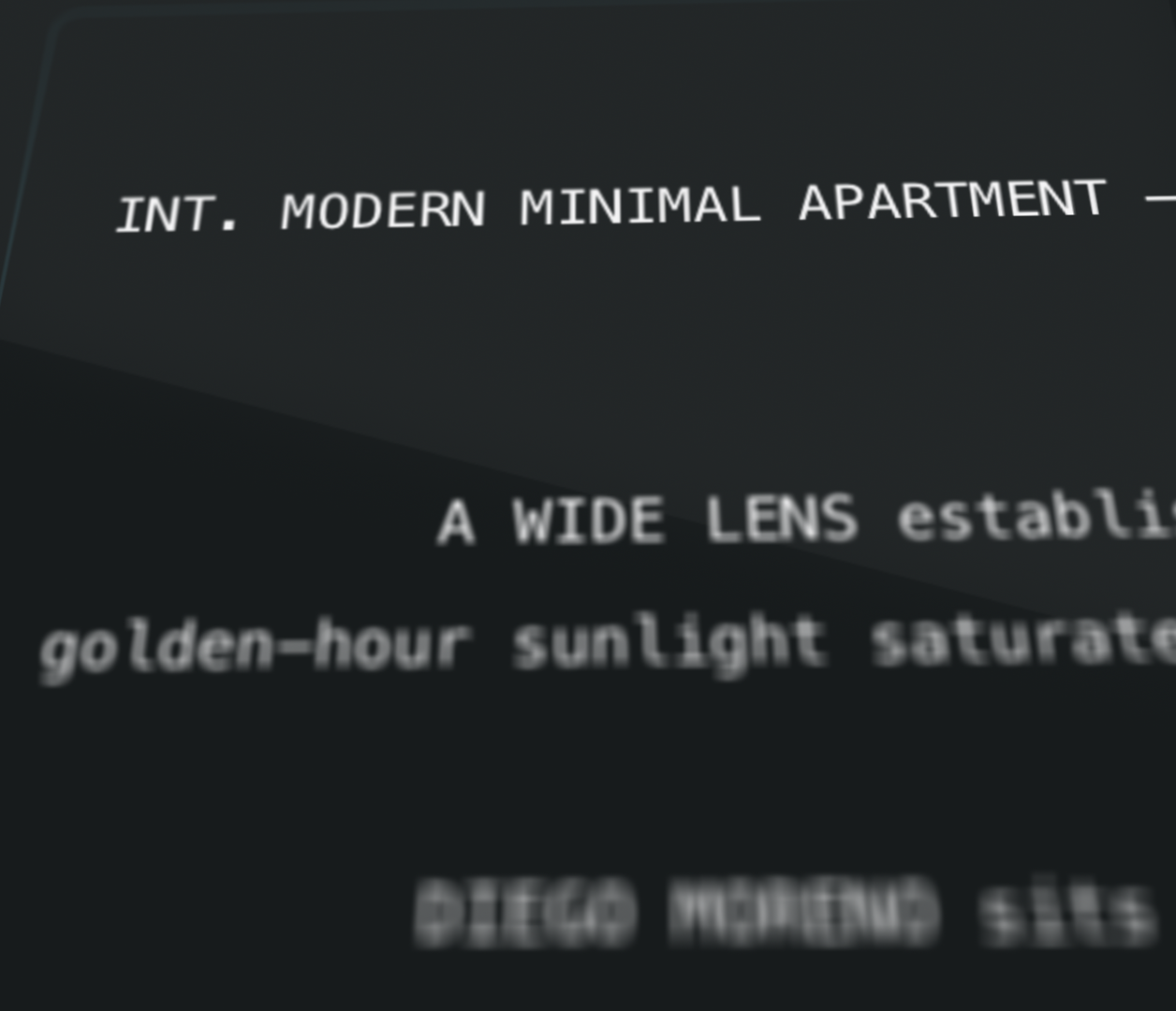
- Screenplay formatted
- Auto
- Characters detected
- Auto
- Character consistency
- Auto
Step 4
See your vision
Browse your complete storyboard. Generate images and videos for any shot. Characters stay consistent across your entire project. Export and share with your team.
Everything extracted from your transcript
Cleaned Script
Story extracted, side conversations removed
Formatted Screenplay
Industry-standard formatting you can download
Character Profiles
Auto-detected from your discussion with descriptions
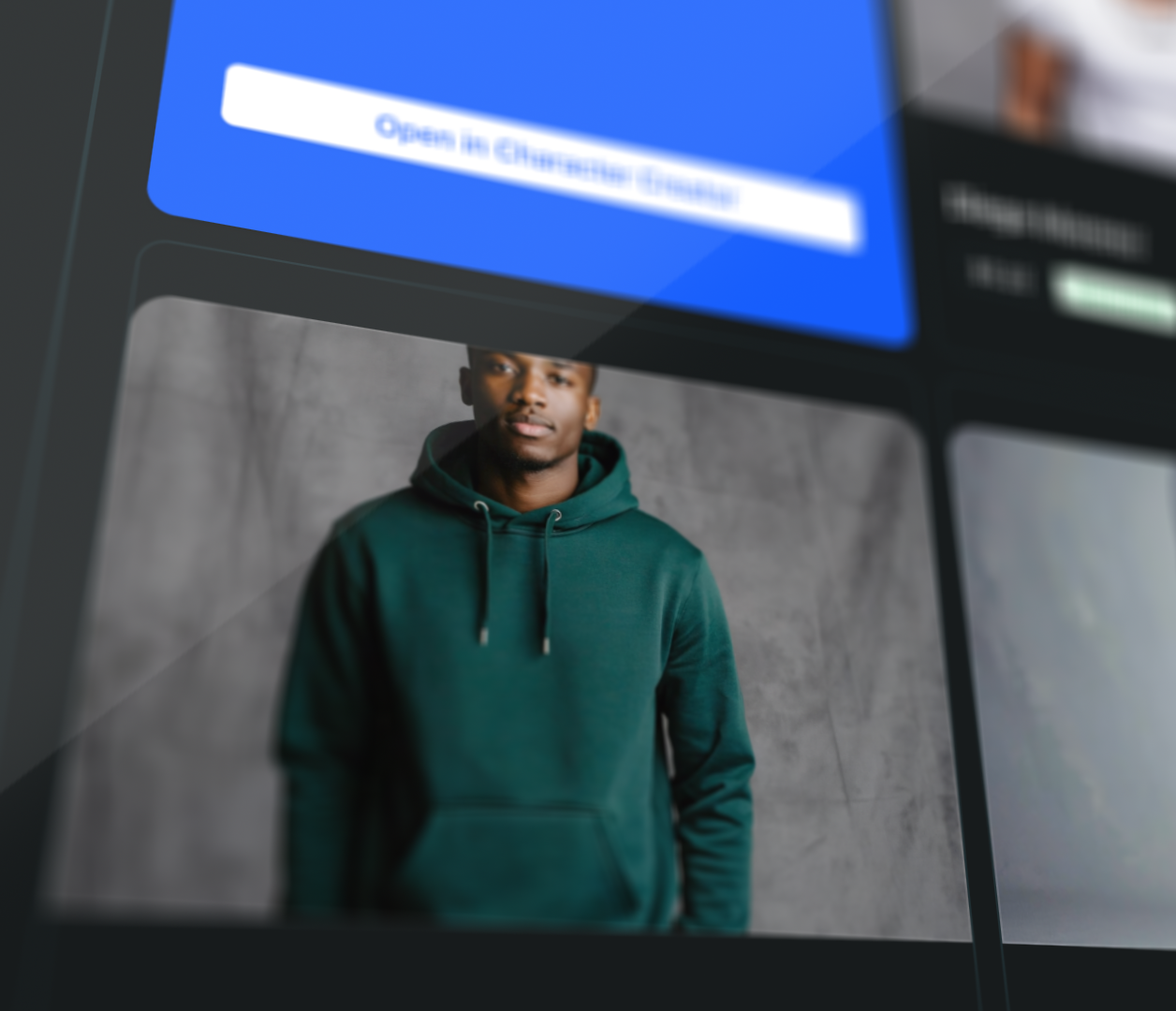
Character Images
Generated based on how you described them
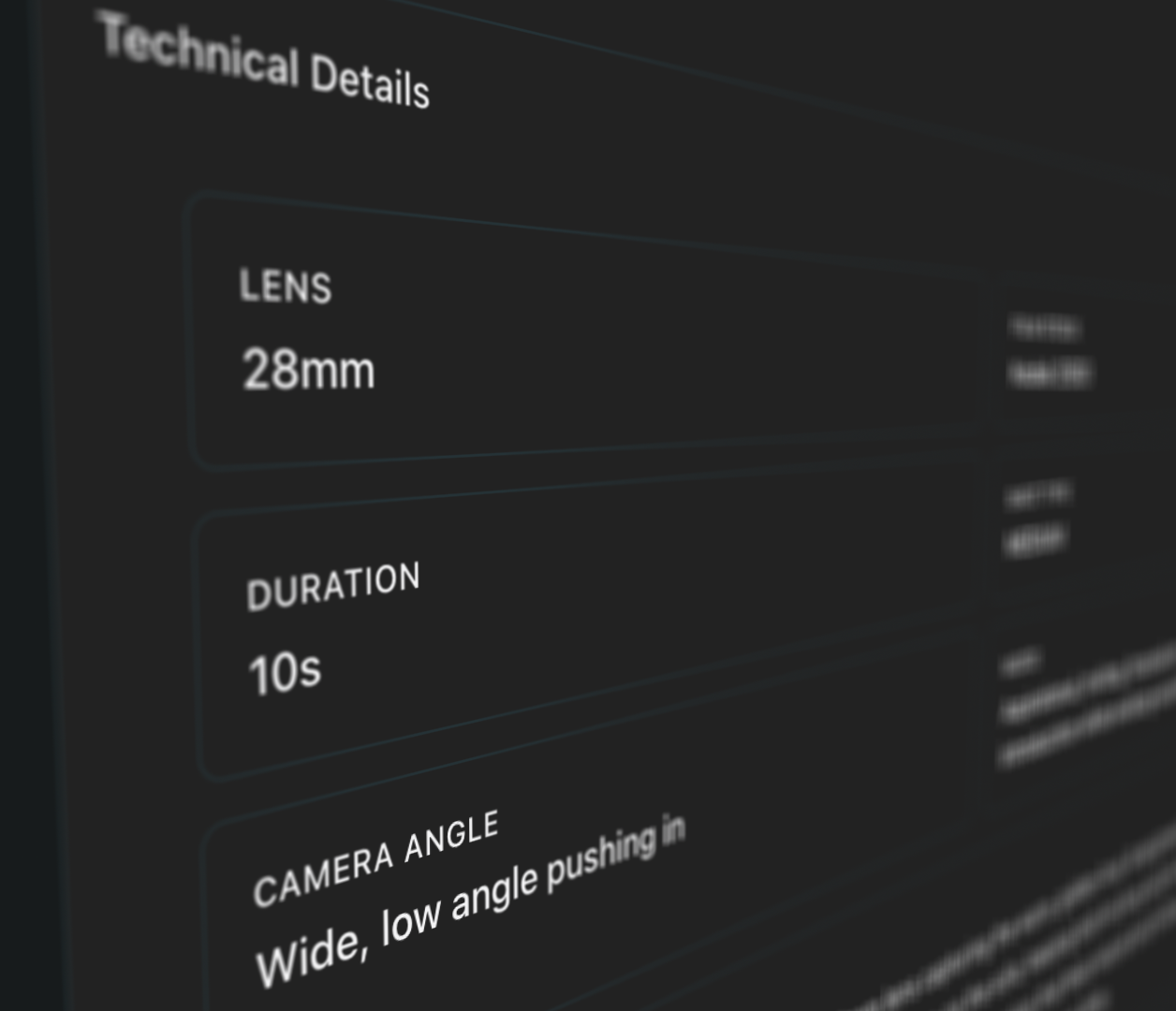
Complete Shot List
Every shot needed to tell your story
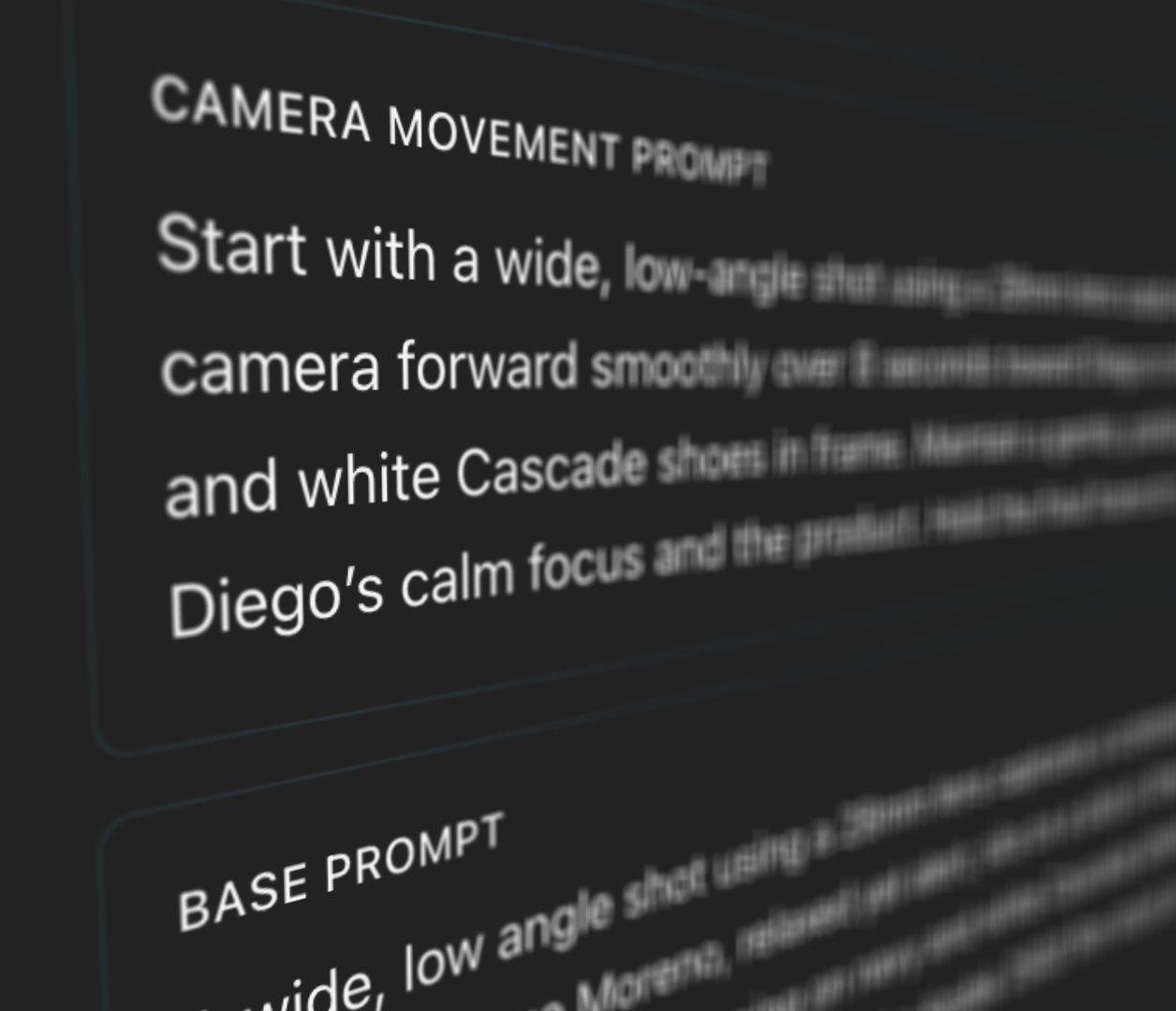
Auto-Generated Prompts
Optimized prompts written for every shot - images and videos
Characters that stay consistent
prePro.Studio automatically detects characters from your transcript and keeps them visually consistent throughout your entire storyboard.
When you talk through your creative concept, you naturally describe your characters. prePro.Studio listens and extracts these details automatically - their appearance, personality, wardrobe, and role in the story.
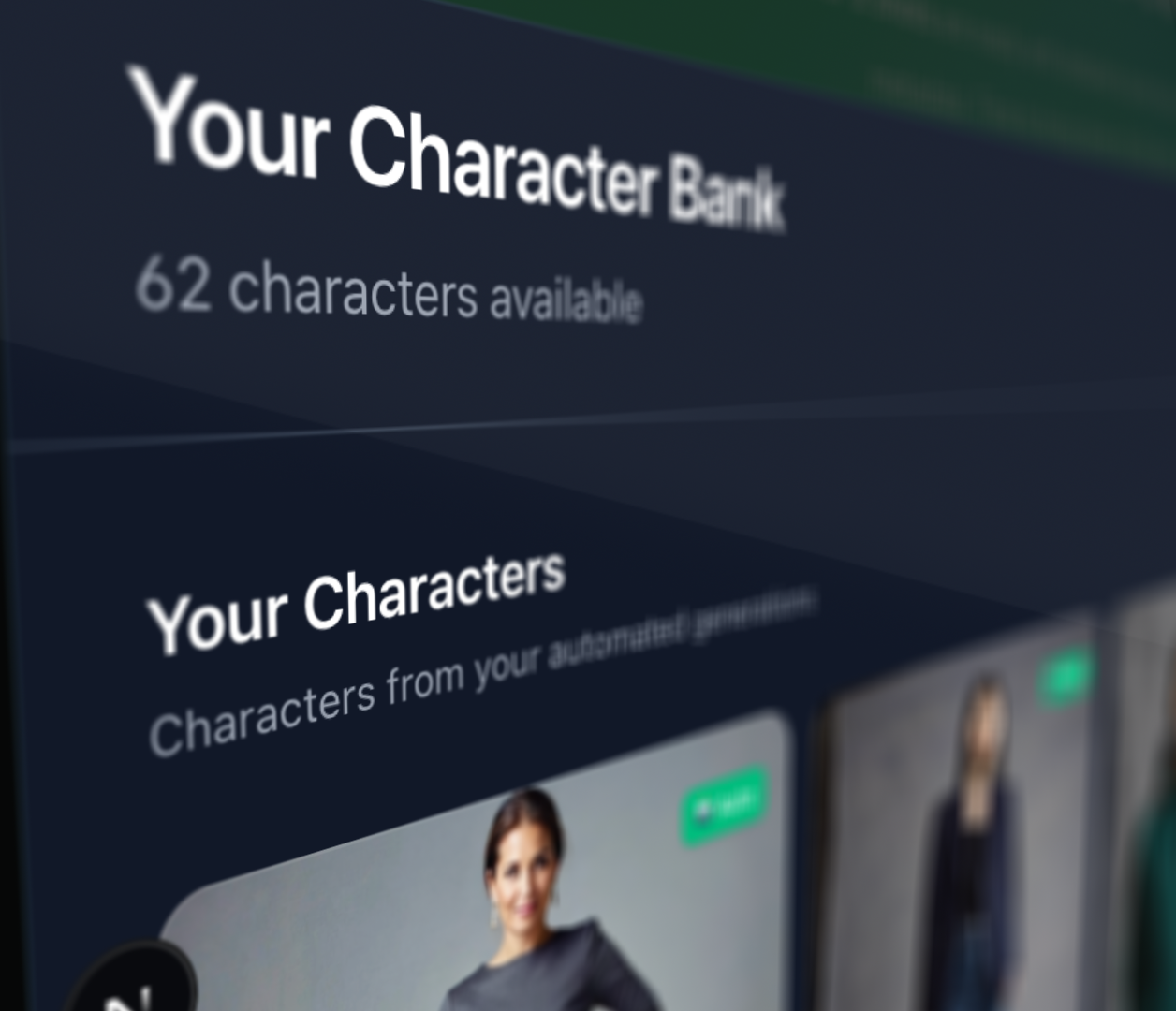
From these descriptions, AI generates portrait options for each character. Pick the one that matches your vision, and that look becomes the reference for every shot they appear in.
Auto-Detection
Characters are automatically identified from your transcript, including their descriptions, roles, and relationships.
AI-Generated Portraits
Generate character images based on how they were described in your conversation. Multiple variations available.
Visual Consistency
Once you select a character look, it stays consistent across every shot in your storyboard.
Reference Integration
Character references are automatically embedded into shot prompts for seamless image generation.
No more manual reference tracking
Once you approve a character look, prePro.Studio automatically includes their reference in every shot prompt where they appear - maintaining consistency without any extra work.
If you can describe it, prePro.Studio can visualize it
Commercials
Pitch concepts to clients before committing to production
Music Videos
See your creative vision before the shoot
Short Films
Workshop story ideas visually with your team
Dreams
Describe what you experienced, see it rendered
Skits & Content
Plan and iterate on ideas before filming
Anything
Product demos, explainers, personal projects
Built for teams
Collaborate seamlessly with your creative team.
- Team members per project
- Unlimited
- Role-based access
- Built-in
- Real-time sync
- Always
- Your data stays yours
- Private
See your next idea come to life
Create a free account and get tokens to test the full workflow. Upload a transcript and see what prePro.Studio builds from it.