
Pitch the spot before you shoot it.
Bring an idea, a script or your meeting notes. Leave with a vision, a script, a cast that looks the same in every frame, and a storyboard anyone on your project can open from one link.
- 01MeetingHad a creative call? Drop in the transcript and the idea gets pulled out of the talk.
- 02VisionTone, look and references, gathered on one page you can edit.
- 03ScriptYour vision becomes a screenplay, scene by scene. Or bring your own script.
- 04CastConsistent characters pulled from your descriptions, or upload your own.
- 05StoryboardEvery shot drawn, four takes to pick from, video clips made right on the board.
- 06LinkOne shareable link for your whole team. No sign in, nothing to download.
- 07On setShoot with the board in your pocket. Change a shot and every phone updates on its own, within seconds.
From the first meeting to the set
One tool for the whole road from idea to shoot day.
prePro.Studio is pre-production in one place. Every step hands its work to the next, so you never copy a thing between apps. Here is the whole trip, in seven steps:
- The meetingHad a creative call with the client, the director and the team? Upload the transcript and start seeing it right away. Send it to the team and iterate quickly.Start here
- The visionTone, look and references, gathered into one document you can edit.
- The scriptThe vision becomes a screenplay, scene by scene.
- The castCharacters are found in the script. Pick each look once.
- The storyboardEvery shot drawn, with images and video clips made in place.
- The linkSend your team one link. No account needed to open it.
- On setChange a shot on the day. Everyone on the link sees it: the board updates on its own, within seconds, no reload.
The app
This is what you will be working in.
Five steps, one project, nothing to copy between apps. These are real screens from real projects, not drawings of the app. Each one is a close-up of the part of the screen that does the work.
The vision
Talk the idea through with the assistant, or paste your meeting notes. The tone, the look and the references land in one document you can edit like any other.
The script
The vision becomes a properly formatted screenplay, scene by scene. Already have a script? Bring it, and keep your wording if you want to. You can download the screenplay.
The cast
Every character, location and prop is found in the script. Pick each look once and it is used in every shot.
The shot list
Each scene becomes shots, with the camera, the light and the image and video prompts written for you. Read it, change any word.
The storyboard
Every shot drawn, four takes to choose from, video clips made in place. Share it with one link.
What you leave with
Built for the way you work
You have the idea. Now everyone can see it.
Showing a client or a crew what you mean used to take days of sketching, or a team and expensive tools. Describe the ad, the music video, the short film or the YouTube video, and walk in with a board instead. No design skills, no production team.
Walking into the pitch today
A description they have to picture for themselves"So it opens in a kitchen, early, soft light. She fills the bottle at the tap, and we go really close, you can see the dew on the steel. Then she drinks, clips it to her bag, and she's out the door. Can you picture it?"
Five people in the room, five different kitchens.
Walking in with prePro.Studio
A board they can see, made from the same wordsA real example, made in prePro.Studio
One 30-second spot, start to finish
A real project made in prePro.Studio: “Harbor: Morning Ritual”, a commercial for a steel water bottle. Read left to right: what goes in, the character it found, and the shots it drew.
INT. KITCHEN - MORNING

A hand turns the tap.
Water fills the Harbor
steel bottle. Dew beads
on the cold steel.
MIRA drinks, clips the
bottle to her bag and
heads out.
The character system
Characters that stay consistent.
When you talk through a concept, you naturally describe your characters: how they look, what they wear, who they are in the story. prePro.Studio picks those details up for you. It then makes portrait options for each character. Pick the one that matches your vision, and that look becomes the reference for every shot they appear in.
One chosen portrait (blue border), then the same Mira in four shots of the Harbor storyboard: drinking, clipping the bottle to her bag, and her hand at the tap in two takes.
Not only characters
Same place. Same product. Every shot.
Characters are only part of it. Every location and every object that matters gets its own reference card too, just like a character. Pick the look once, and every shot that uses it is drawn from that card. Here are four real storyboards.
Your material, every step
Bring your own references. On every step.
prePro.Studio does not ask you to start from nothing. Whatever you already have, the stills you love, the actor you cast, the place you scouted, goes straight into the project and shapes every shot after it.
Drop in stills, frames from films you love, a mood board. Say what you like about each one and it is kept as a reference for the whole project.
Already cast the lead, or drew the character yourself? Upload the photo or the art, and that is the look every shot uses.
Scouted the real place? Upload the photos and they become the location reference, so the board is set where you will actually shoot.
Add an image in the storyboard chat to show what a shot should look like, and change it in plain words.
Collaboration
Built for teams. Ready for the set.
Bring your producer, DP, client or co-creator into the same project. On the day, the light moves or the client wants a closer shot: swap it in the studio, and everyone on the link sees the new board. It updates on its own, within seconds, no reload.
The link
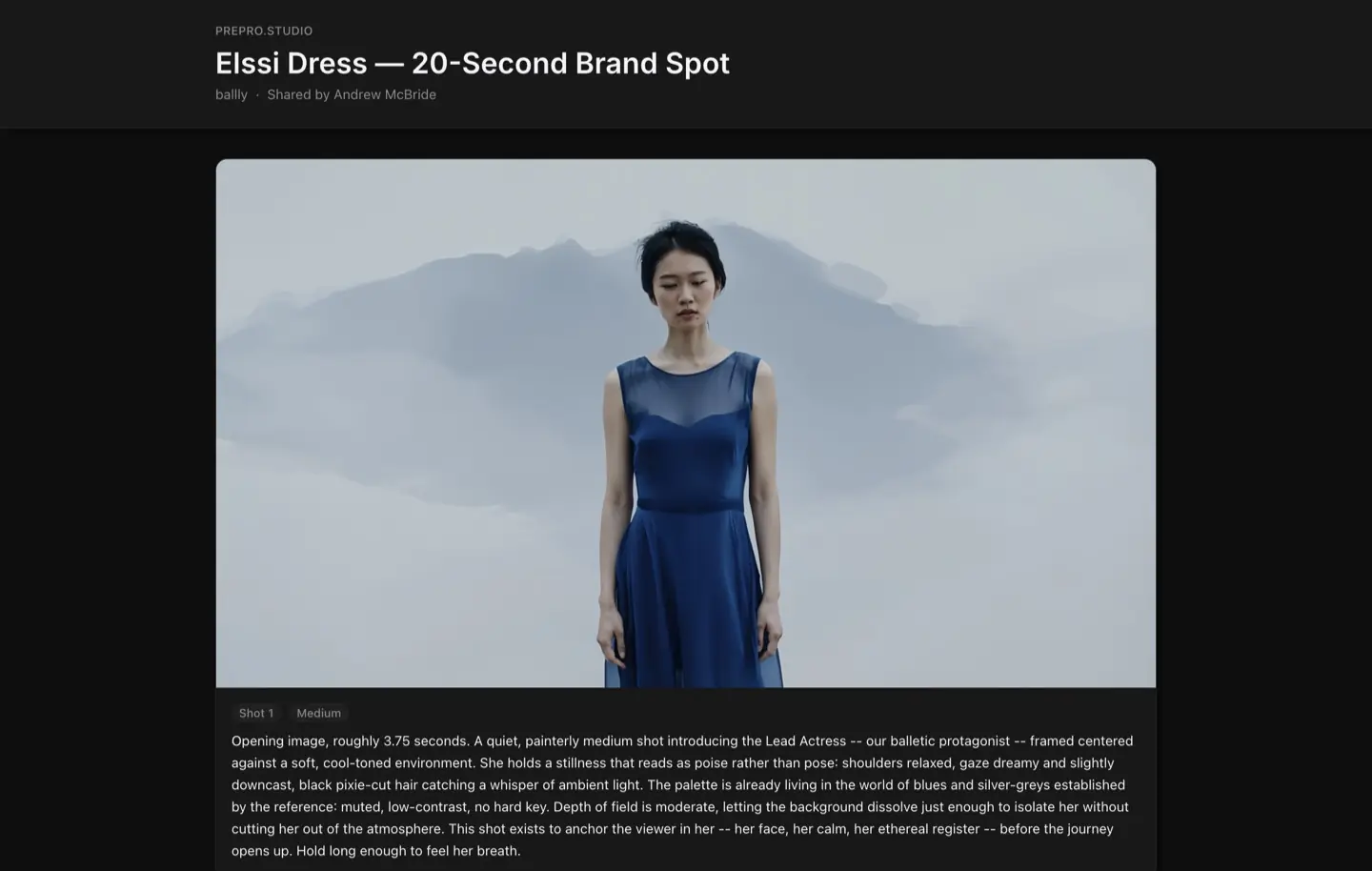
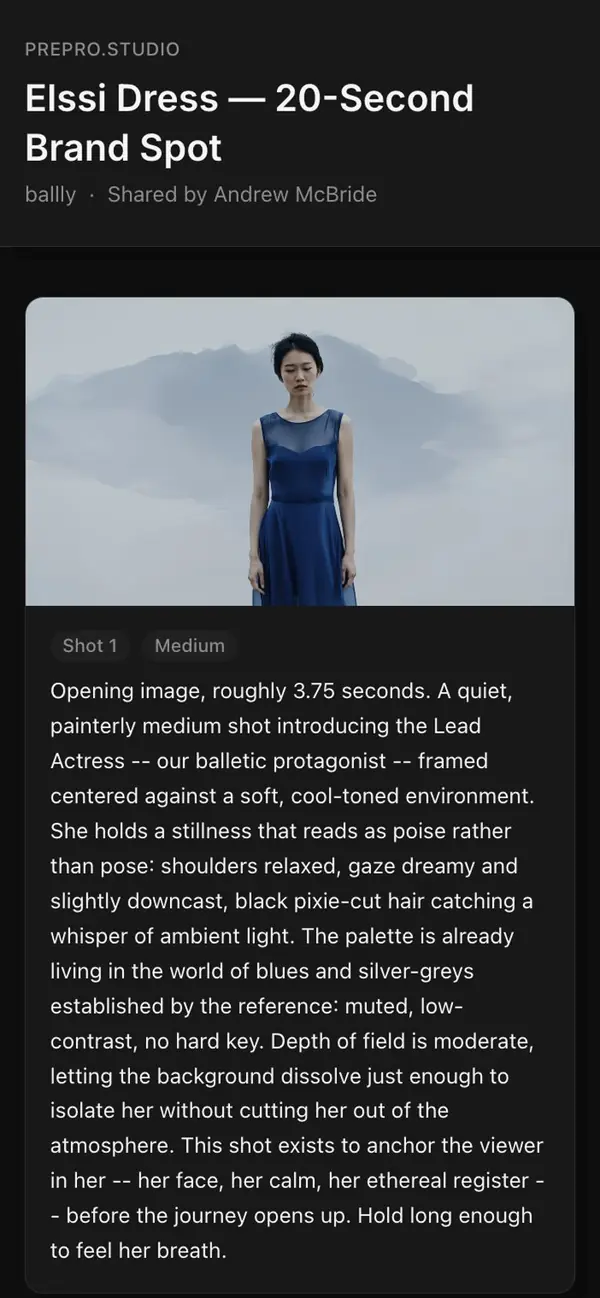
This is what your crew opens.
One link. No account, nothing to install. It opens on a laptop or a phone, and when you change the board it updates on its own, within seconds, no reload.
Plans and prices
Plans
Up to ~1 short video on the cheapest model
Every image model up to 720p, and every video model except Seedance. Unlimited team members. Community support.
At least ~16 videos (5s)
Everything in Free. Discord community access. Email support.
At least ~32 videos (5s)
Everything in Creator. Priority support.
At least ~98 videos (5s)
Everything in Professional. Dedicated account support.
What each action costs, in tokens
You see the price before anything runs. The bar shows where each price sits, from 1 token on the left to 300 on the right. A bar that fades out keeps growing with the size of your project.
Set by what you pick
Grows with the size of your project
You confirm the exact cost before anything runs. No hidden fees. Full pricing
Questions, answered
15 answers. Pick a topic, then open any question.Who is it for?
Anyone who makes video: commercials, music videos, short films, YouTube and social, skits, product demos and explainers, even a dream you want to see. Solo or with a crew.
What do I need to get started?
Nothing but your idea. Start a Creative Meeting where you collaborate with AI to develop your vision, or upload an existing transcript from a brainstorm session. We'll transform it into a complete visual storyboard.
What if I don't have a meeting transcript?
No problem. Start a Creative Meeting with our AI agent who will guide you through the process. They'll ask thoughtful questions about your project, help develop your vision, and generate the creative brief for you.
What if I already have a script?
Perfect. Share your script with our Creative Writing Agent and they'll format it to work with our system. Let them know if you want to preserve the original wording, though they'll always offer thoughtful insights to enhance your vision.
What file formats can I upload?
You can paste text directly, or upload a PDF, Word (.docx), plain-text (.txt) or subtitle (.srt, .vtt) file up to 10 MB. We accept raw transcripts from any recording tool, messy conversation, tangents and all.
How long does it take?
It depends on the length of your material and how many shots it becomes: a short script moves quickly, a long one takes longer. You'll see the progress as each step completes.
Is my content private and secure?
Yes. Your scripts, transcripts, and generated images are never shared with other users. All data is encrypted at rest (AES-256) and in transit (TLS 1.3).
Do you use my content to train AI models?
No. Your creative content is never used to train AI models. It is processed only to generate your storyboard and then stored securely in your account.
Who can see my projects?
Only you and team members you explicitly invite, plus anyone you send a share link to. We never access your content except for technical support when you request it.
How does character consistency work?
We automatically detect characters mentioned in your script and track them across all shots. When you generate images, the same character maintains their appearance throughout your storyboard.
Can I edit shots after they are generated?
Yes. You can regenerate any individual shot with adjusted prompts and generate multiple variations to find the perfect frame. You can also edit an image by describing the change in plain words.
Can my team use it?
Yes. Invite team members to your projects with different permission levels. Anyone with the share link sees your changes too: the board updates on its own, within seconds, no reload.
What are tokens and how do they work?
Tokens are credits that power AI features. Different actions use different amounts. Processing a transcript, generating images, and creating videos each have their own token costs displayed before you confirm.
What happens if I run out of tokens?
You can continue viewing and editing your storyboards, but AI generation features pause until your tokens refresh next month or you upgrade your plan.
Can I upgrade or downgrade my plan anytime?
Yes. When upgrading, the change takes effect immediately and you get instant access to additional tokens. When you switch to a cheaper plan, you keep your current plan and its tokens until the end of your billing period. Then you get the new plan's monthly amount, and any tokens you bought stay yours.
From the builder
Built by one person, over two years.
prePro.Studio is made by a single developer, with a lot of work and a lot of love. If something breaks, or you wish it did something it doesn't, I want to hear it.
The developer of prePro.Studio
Send a bug or an ideaPitch the spot before you shoot it.
Bring an idea, a meeting or a script. Leave with a storyboard your whole crew can open.